
How the Beaufort County Court Calendar Works
Beaufort County offers two public routes to court dates. The North Carolina civil and criminal calendar service lets you pick a county and a calendar type. eCourts Portal Search Hearings takes the opposite approach. It hunts for one case. Both cover Superior Court and District Court settings. Neither replaces the notice or a later order, and a calendar only lists settings. It does not promise that every listed matter proceeds as first shown.
Use the calendar route when you want a whole session or a group of matters. Portal Search Hearings fits better once you hold a case number. It also works with another solid search field. Beaufort County sits inside a unified North Carolina court system. So every public docket search starts at a state service and narrows to the county. There is no separate city court database. The official calendar selector displays the two choices. Those choices open a Beaufort County court calendar search.
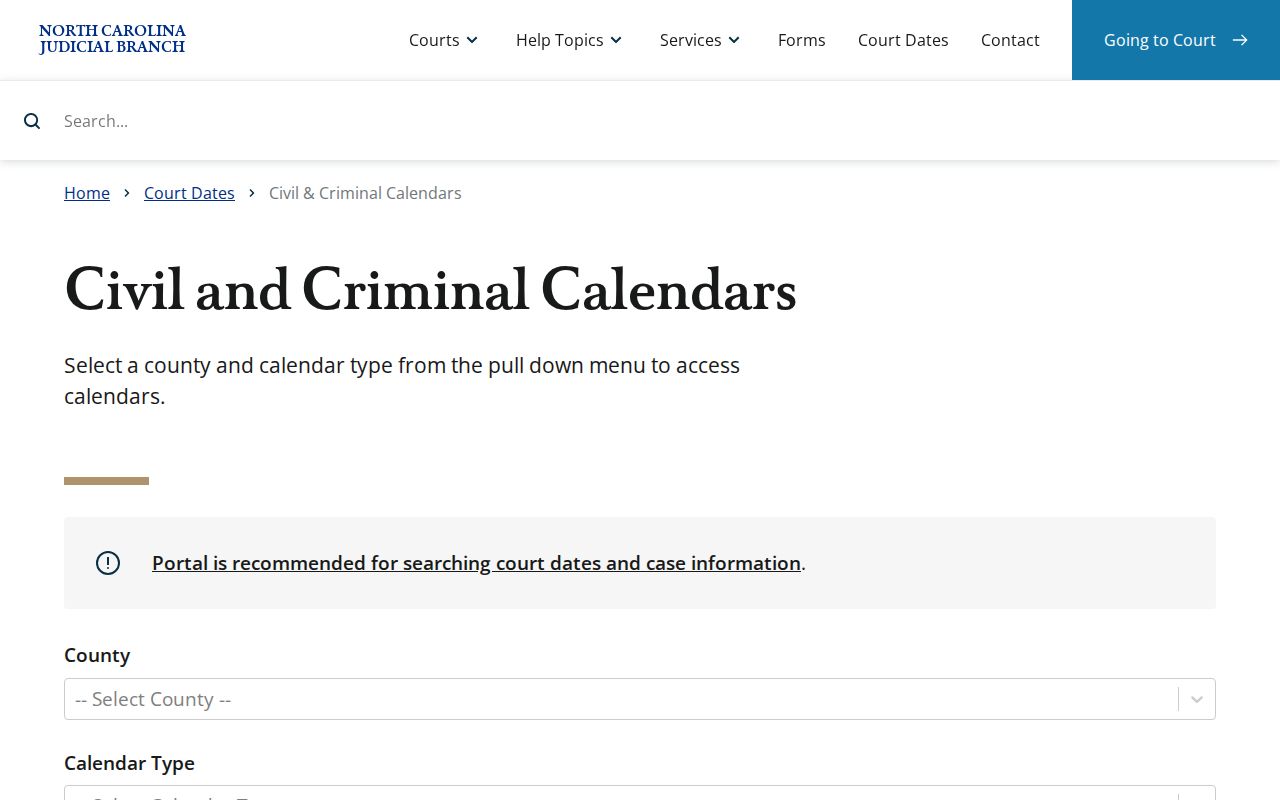
Start by picking Beaufort County, then choose the calendar type that fits your case. Picking the wrong track on the court calendar can leave you reading a schedule that has nothing to do with your hearing.
Beaufort County Civil Calendar Choices
Start with the calendar service and set County = Beaufort. Then pick a track: Civil or Criminal. Each track posts separately. There is no single Beaufort County calendar filter that covers both, so know which case track you need before reading any result. The service itself warns that some counties skip posting or let calendars go stale. So a blank screen means check another way, not that no hearing exists.
| Calendar choice | Best use | Limit to remember |
|---|---|---|
| Civil | View a posted Beaufort civil session. | Individual settings can still move after posting. |
| Criminal | View a posted Beaufort criminal session. | It does not replace an individual notice or order. |
| Search Hearings | Locate a public case-related hearing with supported fields. | Public and restricted-record limits still apply. |
Once those controls are set, the Beaufort civil calendar is the official page that appears.
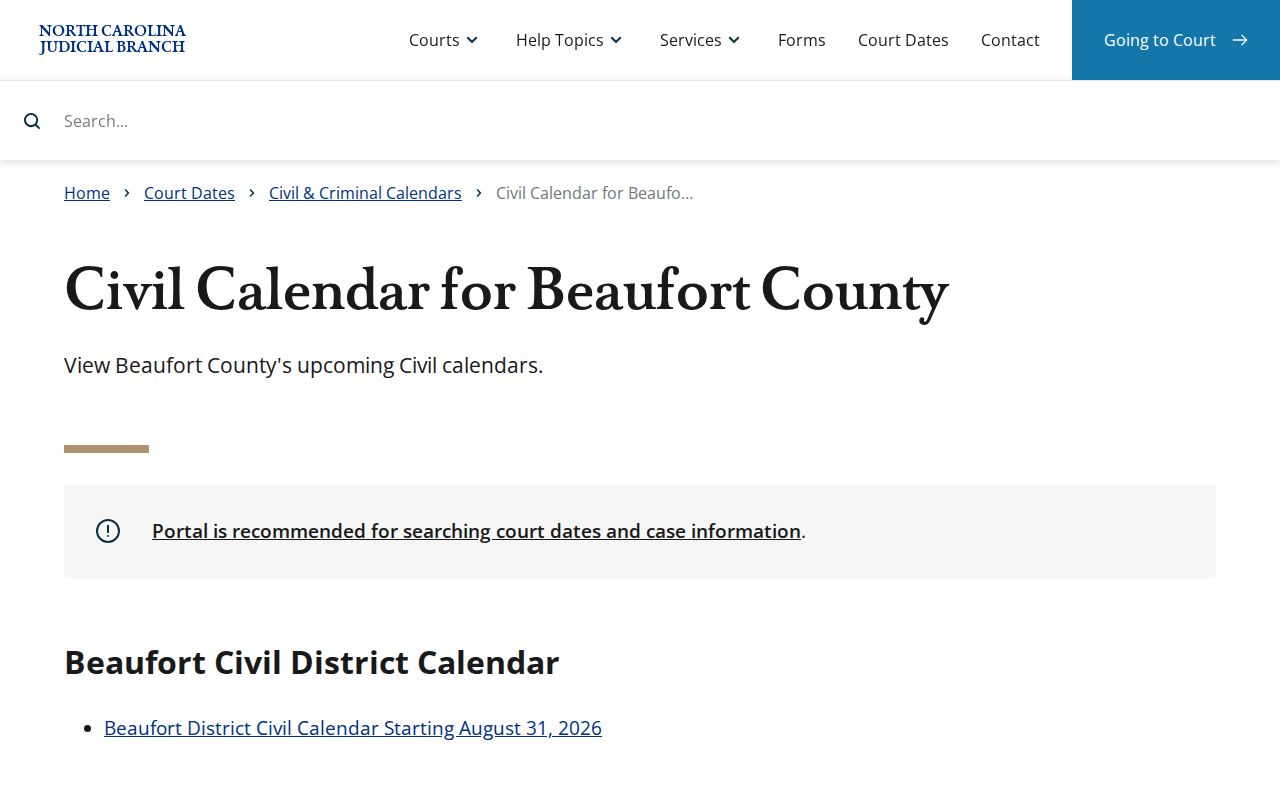
That view only shows a session. For a known case, pull its hearing or case information directly so nothing slips past the calendar.
Beaufort County Court Date Lookups
Read the citation, summons, or order first. That notice is the original instruction for the individual matter. From there, pull up the civil or criminal calendar for a session view. Or open eCourts Portal Search Hearings when you need a case-specific date. The public Register of Actions, sometimes labeled a Case Summary, can hint at a setting or a change in chronological order. But it is not the official case file. For a date that is close, missing, or confusing, the Clerk of Superior Court confirms it straight away.
- Keep the court notice and identify whether the matter is civil or criminal, if that information is known.
- Use the official calendar site with County set to Beaufort and choose Civil or Criminal for a broader published session view.
- Open Portal Search Hearings for a case-specific lookup, select Beaufort as the location, and enter the supported search fields with the required date range.
- Review the public Case Summary for case context, but do not treat an online summary as an attendance instruction or official file.
- Call the Beaufort Clerk of Superior Court at (252) 940-4000, or use the courthouse counter, when the date is imminent, changed, missed, or absent from the expected result.
- Use the relevant Superior or District Court office for a court-administration question; neither a posted calendar nor a staff member can give legal advice.
Beaufort County posts no standalone daily-docket PDF archive. A published civil or criminal calendar helps when one appears. Still, it cannot replace a check of the current individual setting.
Beaufort County Court Hearing Fields
Portal Search Hearings is not a broad name lookup. Begin by selecting Beaufort as the location. Then pick Hearing Type or Courtroom and choose the narrowest reliable search mode. The tool handles case number, party name, business name, attorney name, attorney bar number, judicial officer, and courtroom searches. Most paths also demand a date-from and date-to range. When you have an exact case number, use it. It is the least ambiguous route of all.
| Search field | When it helps | Careful use |
|---|---|---|
| Case Number | Find a known case within a date window. | Enter the complete court-assigned number. |
| Party or Business Name | Find an open public setting without a case number. | Use last name, first name form for a party search. |
| Hearing Type | Narrow a search when the current type is known. | Do not guess a label from an old document. |
| Judicial Officer or Courtroom | Check a public schedule organized around a known assignment. | Both still need the required date fields. |
The Judicial Branch's court-date guidance steers people to the current official search and confirmation routes.
Date windows and location controls shape the answer. A hearing search is a scheduling query, not a full case-file request.
Court Settings: What Each Field Means
A public setting line gives useful context, but read the words with care. One calendar entry can name a date, time, courtroom, or hearing type. It may say nothing about the issues involved. A status conference, for instance, is case management. A motion hearing concerns a request filed in the case, not a ruling. And a trial listing proves nothing about when testimony starts or ends. For real confirmation of any field, trust one source above all. Use the notice, the current Portal result, or the Clerk.
| Date | The scheduled calendar date, which can later be changed by notice, order, or court action. |
|---|---|
| Time | The time displayed for the setting; it does not establish a universal Beaufort arrival practice. |
| Courtroom | A searchable room or assignment field, not proof of a permanent courtroom allocation. |
| Judicial Officer | A search option or listed assignment when shown, not a guarantee that the same officer will preside. |
| Setting Type | The event label, such as pretrial, motion hearing, status conference, or trial, as shown in the current record. |
A setting is only what the court plans to do. Confirm close to the date, since an older calendar view can go stale.
Beaufort County Courtroom Search Limits
Courtroom is one of the Search Hearings controls. Use it only when the room is already known from a current public source. Beaufort County publishes no recurring courtroom-by-room assignments. It posts no universal docket-call sequence and no single arrival time. The field can help you locate a public setting. It cannot fix a permanent assignment. It also cannot replace an individual notice or prove a hearing will run a certain way.
- Calendar
- A published list or schedule of court settings, subject to later changes.
- Hearing
- A court proceeding or event associated with a case.
- Continuance
- A postponed or rescheduled court event.
- Remote hearing
- A proceeding conducted under authorized remote procedures when the individual notice provides the instruction.
These terms explain the public scheduling system itself. They cannot add case-specific directions your notice leaves out.
When a Court Date Moves
A Beaufort County court date can shift after the calendar first posts it. Continuances, weather closures, administrative rescheduling, and orders tied to a single case all do this. Where will the change show up? It may appear in a current Portal result or in the Register of Actions. It may also appear in a later mailed notice, or through confirmation from a court office. No fixed delay governs how fast an online docket catches up with a rescheduled hearing. So treat an older screen view as provisional rather than final. The Second Judicial District continuance policy and Beaufort local materials add procedural context. Still, the individual record controls the actual setting. For broader reform work, the North Carolina Court Appearance Project covers court-appearance efforts statewide. That work includes District 2 context.
Policy pages can fill in the background on how the court handles schedule changes, but they cannot speak for your specific appearance. For a given case, the notice from the court controls.
Beaufort County Remote Court Notice Limits
Beaufort County does have a written procedure for remote hearings. You can see it in the local rules and forms index, where an administrative order spells out how remote appearances are supposed to run. That order does not make every hearing remote, though. It also does not mean one shared video link covers all settings. Your own court notice, a current order, or the court office handling the case is where participation details come from. If a docket search turns up nothing about remote options, treat that silence as a reason to show up in person, not permission to stay home.
The Beaufort criminal calendar route gives you the official schedule view for criminal cases.
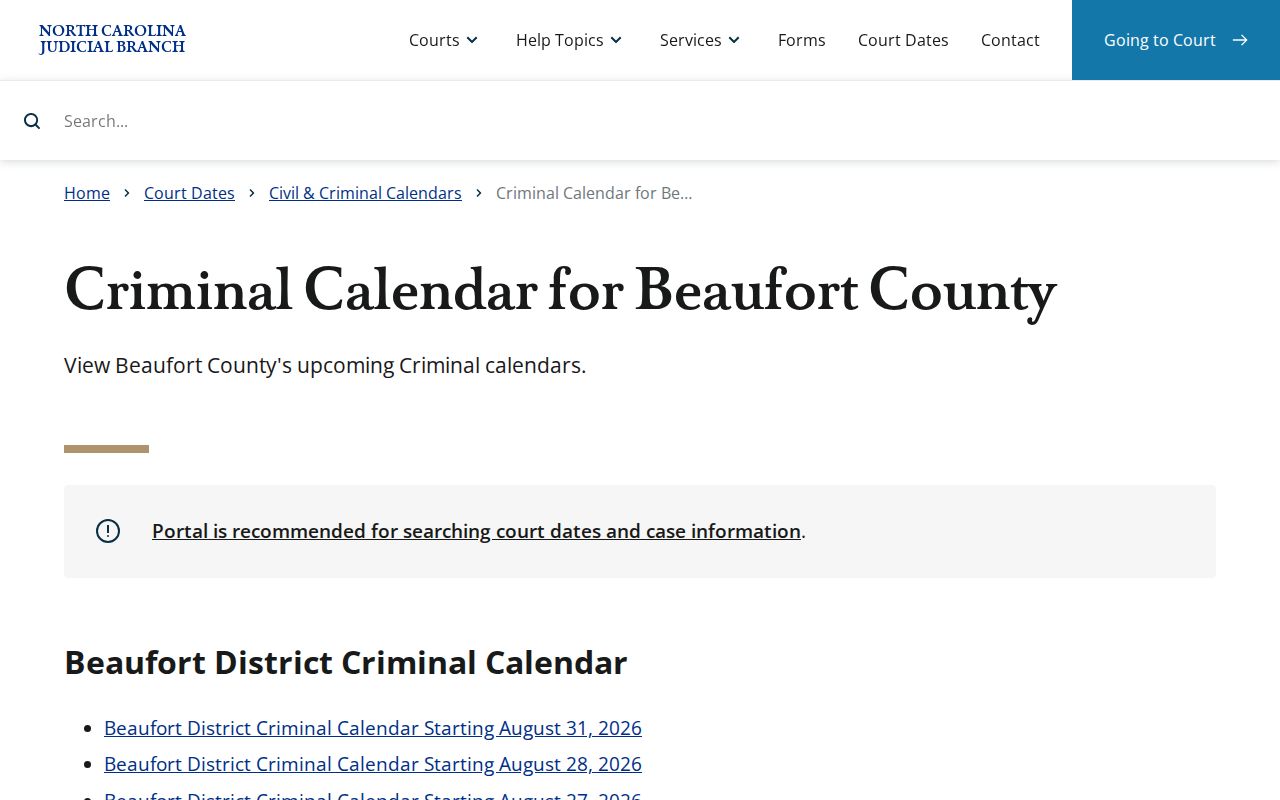
A calendar route shows you the public schedule and nothing more; remote attendance instructions are a separate matter.
Missed Settings and What Comes Next
Missed a Beaufort County court date? Act quickly. The statewide Court Dates guidance points anyone with a court-date question to one place. It sends missed settings straight to the clerk of court. Keep your case number or citation handy when you call. Confirm what the current setting is. Loop in your attorney if you have one. Traffic cases carry their own consequences for a missed date. A quick glance at an online calendar does not count as a full response. And if your case is missing from that calendar, do not read the gap as the end of anything. The docket listing is not the status of the case.
Missed a setting? Call the Beaufort Clerk of Superior Court at (252) 940-4000 to ask for the current court-date route and record any instruction given.
Use the case notice and current case information when contacting the court, and seek advice from a licensed attorney when legal direction is needed.
Note: Court staff can confirm procedural details. They cannot predict a ruling or give legal advice on a specific matter.
Beaufort County Calendar Posting Limits
A calendar search in Beaufort County that returns nothing has several common causes. The county may not have posted the item yet. Your filters may be too narrow. The setting may have moved, or you may be searching the wrong civil or criminal route. Some matters simply are not open through the public result set. The Calendar service itself warns that county postings can be missing or out of date. So treat a blank screen as a prompt to dig further, not a final answer.
Start over with the fewest reliable fields you can. Then try Portal Search Hearings. If the date is near or still unclear, ask the Clerk directly. The Clerk can confirm what the calendar cannot. For a public case summary before you check a setting, the Beaufort County docket search is the right tool. A docket result can orient you to the case. Still, the official court notice and Clerk confirmation stay the safer sources for an imminent appearance.